Get started
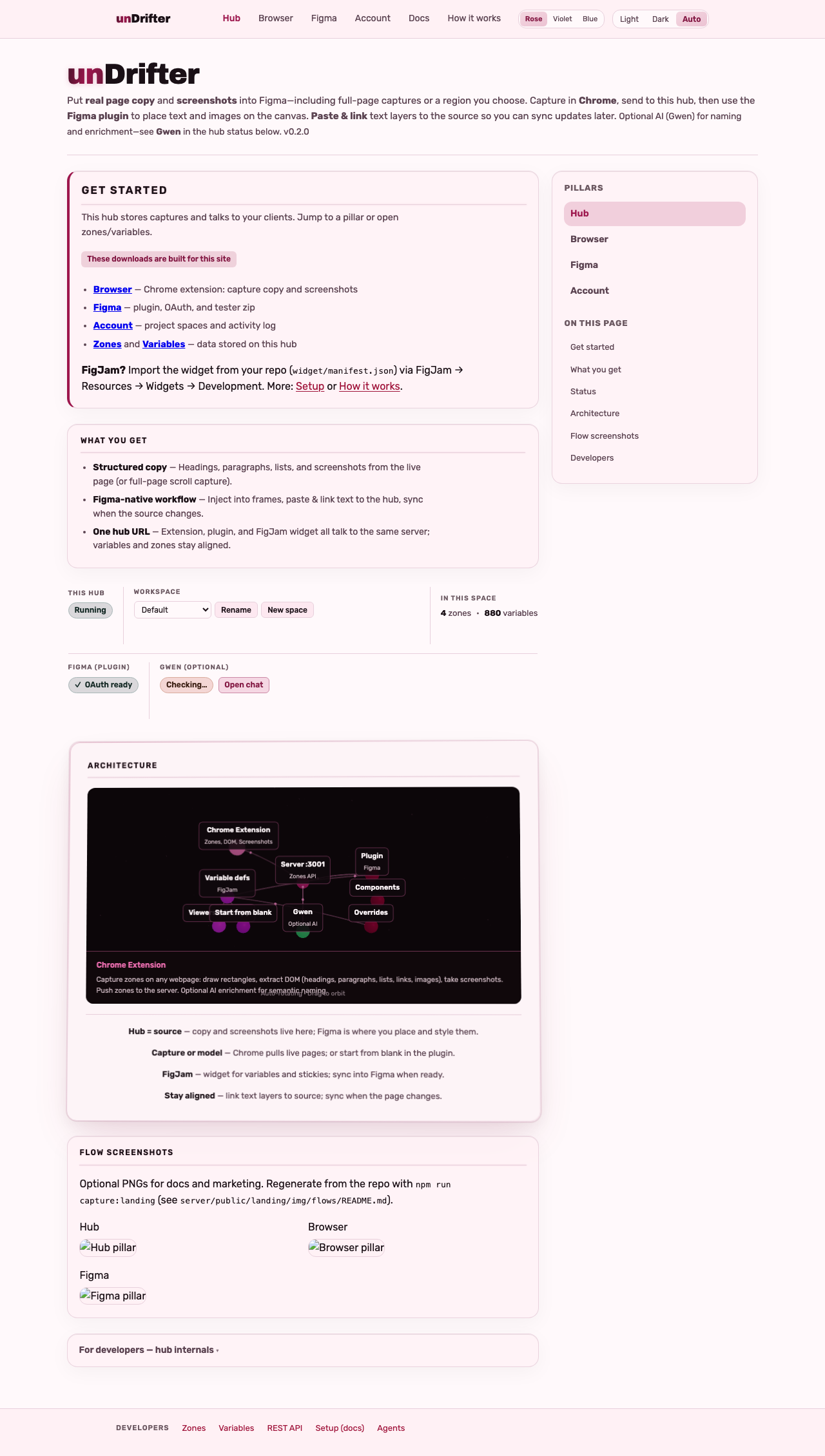
Point every client at this hub: capture in Chrome, design in Figma, browse data below. Same URL everywhere—then zones and variables stay in sync.
These downloads are built for this site
What you get
- Structured copy — Headings, paragraphs, lists, and screenshots from the live page (or full-page scroll capture).
- Figma-native workflow — Inject into frames, paste & link text to the hub, sync when the source changes.
- One hub URL — Extension, plugin, and FigJam widget all talk to the same server; variables and zones stay aligned.
Flow screenshots
For developers — hub internals
Server (this hub)
Stores captures and serves the API. Chat with Gwen, space picker, counts, and Figma OAuth status sit in the slim bar under the nav. Per-user Figma link: use the Figma tab.
FigJam widget
Variables and stickies on the board; sync into Figma when you link files.
Shared types
One schema for zones and metadata across extension, server, and Figma clients.
MOSME
Undrifting team: pick a lead and partner expert each round (two model calls per round). They keep each other in check while grounding in CopyDoc, zones, and Figma sync. Same API as Gwen’s MOSME toggle.
Browser (Chrome)
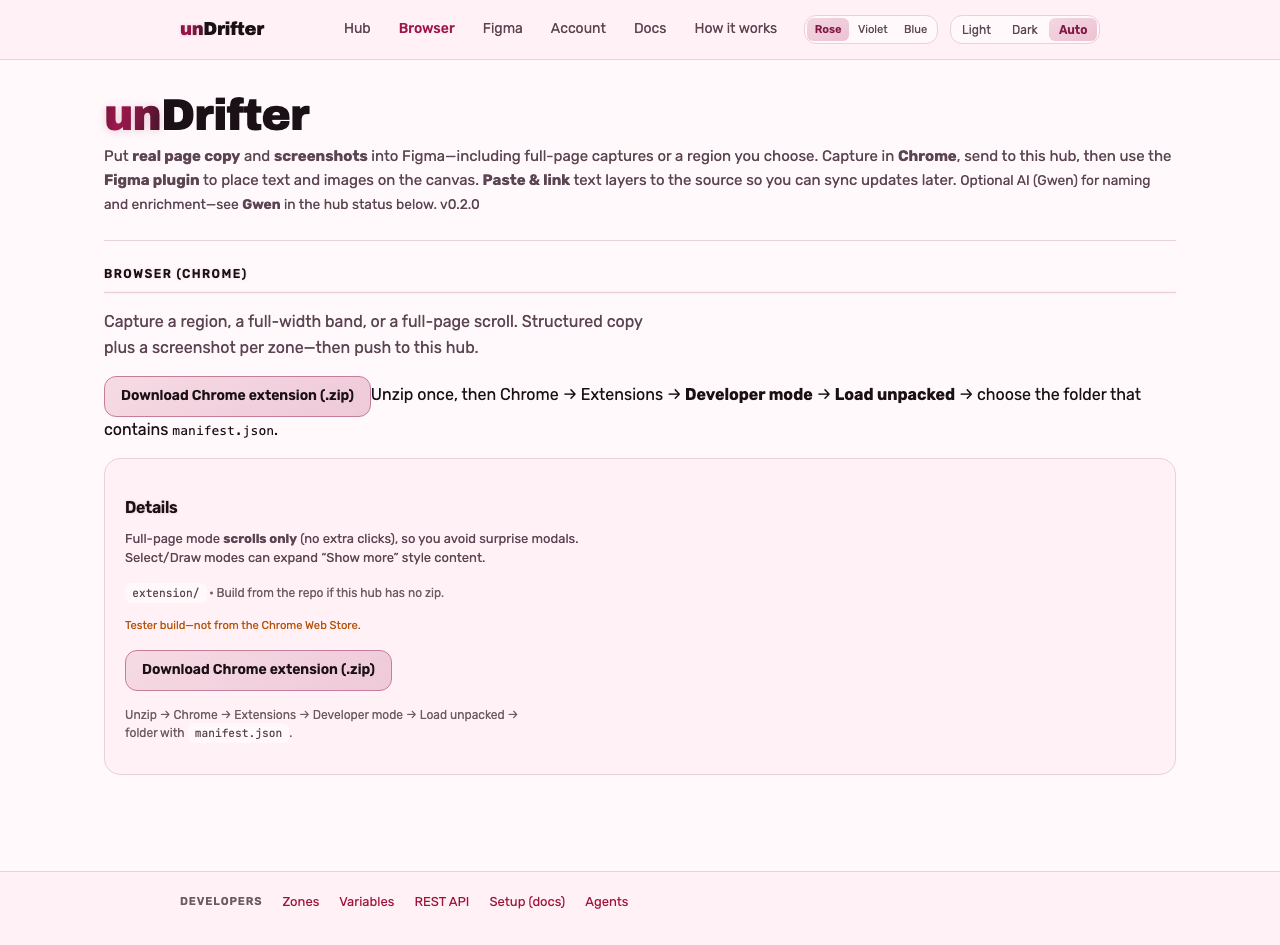
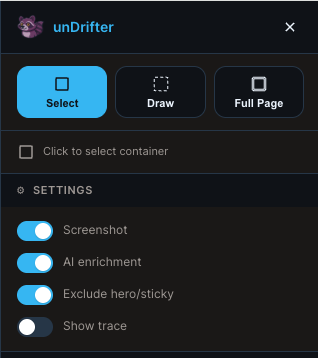
Capture a region, a full-width band, or a full-page scroll. Each zone is structured copy plus a screenshot—then push to this hub.
Install
Capture modes
Full-page scrolls only—no accordion clicks—so modals and galleries stay predictable. Select and Draw can expand “show more” content where you need it.
Zones on this hub
When you push from the extension, each capture lands here as a zone: structured copy, optional screenshot, and normalized source URL. The plugin reads the same JSON—this list is the handoff before you open Figma.
Figma
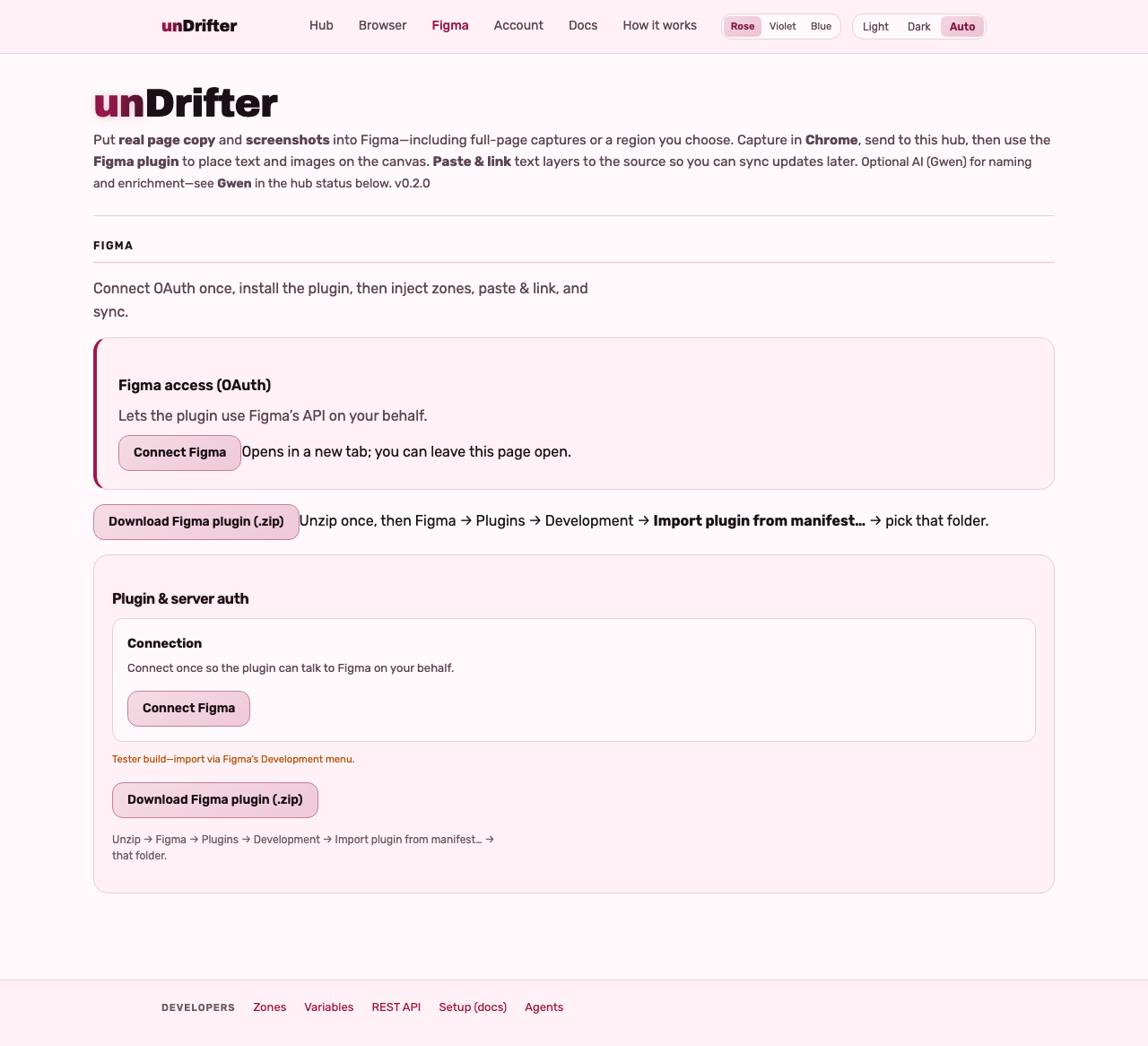
OAuth connects your files; the plugin reads the same hub as Chrome. Inject frames, paste & link text to the doc, and sync when the site changes.
Connect Figma (OAuth)
Plugin zip
Hub URL & auth
Connection
CopyDoc variables
String variables on this hub mirror the plugin’s CopyDoc collection. Edit here or from FigJam stickies; in Figma use Sync vars so bound text layers pick up changes.
How it works
unDrifter is one hub (this server) that holds zones and variables. The Chrome extension captures live copy and screenshots; the Figma / FigJam plugin and FigJam widget read the same API—inject, paste & link, sync, and edit without juggling files.
How the pieces connect
Pipeline
- Hub URL — Every client points at this base URL (
localhost, LAN, or hosted HTTPS). - Extension → hub — Captures POST to
/zones. Hosted zips often bake the URL; otherwise see Setup. - Plugin / widget → hub — Figma manifests allow listed hosts only; same REST surface as the extension.
- One doc — Mismatched URLs mean empty lists; align extension, plugin, and widget.
- Accounts — When enabled, Chrome and Figma don’t share cookies; use an API key from Account for those clients.
- Tester zips — Account → Downloads lists copy-paste URLs for the Chrome extension and Figma plugin
.zipfiles.
Where Gwen runs
Only the server calls the LLM. Configure env on the hub; extension and Figma never hit Ollama directly.
Ollama Cloud — OLLAMA_HOST=https://ollama.com plus API key. Fits hosted hubs without a local GPU.
Local Ollama — ollama serve on your machine or LAN; set OLLAMA_HOST accordingly. Zones and screenshots still live on the unDrifter server.
OpenClaw — Optional gateway for enrichment and chat. Streaming (SSE) is Ollama-only today; OpenClaw uses the JSON chat path.
Installing clients
Tester / dev paths for now—not in the public stores. Use Download on Browser and Figma when this hub ships zips, or build from source. Keep the same hub URL everywhere.
- Chrome extension — build
extension/; the Browser tab shows a zip when this server can readextension/dist. - Figma plugin — build
plugin/; the Figma tab shows a zip when builds are on this server. - FigJam widget — FigJam → Development → Import widget from manifest →
widget/manifest.jsonafternpm run buildinwidget/. See Setup.
Privacy & deployment
Docs
Long-form guides live on separate pages. Start with Setup, skim Readme for the big picture, then dig into AI Features when you wire Gwen.
- Readme — Product story, features, architecture
- Setup — Server, extension, plugin, widget
- Agents — Context for AI assistants and contributors
- AI Features — Ollama Cloud vs local, OpenClaw, enrichment
- REST API — On this hub: routes and curl
Account
Hosted hubs: your plan and usage live here too, plus API keys, project spaces, and the activity log. OAuth for Figma files is separate—use Figma.
Your plan & usage
API keys & sign-in
Extension & plugin (tester zips)
Session
Project spaces
Activity log
Hosted + signed in: your API lines. Legacy / local: full server log.
Loading…
REST API
Same routes the extension and Figma clients use. Replace https://localhost:3001 with your hub URL; add -H "Authorization: Bearer undrifter_…" when this hub requires an API key.
Routes
GET/zones — Fetch zonesPOST/zones — Push zones from extensionGET/variables — Variable items (FigJam widget, plugin sync)PATCH/variables — Update variable values (FigJam widget edits)POST/figjam/items — Create CopyDoc items from FigJam (name, value)GET/file-bindings — FigJam ↔ Figma file bindingsPOST/file-bindings — Link FigJam board to Figma design fileGET/screenshots/:file — Zone screenshot imageGET/auth/status — Auth statusGET/logs — Server log buffer (legacy: full; hosted accounts: your request lines only, requires session or API key)GET/enrich/status — Enrich provider (Ollama/OpenClaw) configPOST/enrich/zone-name — Suggest zone namePOST/enrich/semantics — Enrich children (role, component)POST/enrich/clean-structure — Clean structure, dedupe, headline/body/cta slotsGET/enrich/structure-examples — List good/bad examples used to train GwenPOST/enrich/structure-examples — Submit good or bad before/after (body:{"kind":"good"|"bad","childrenBefore":[],"childrenAfter":[]})POST/enrich/chat — Chat with Gwen (body:{"message":"..."})POST/enrich/chat/stream — Same body;text/event-stream(Ollama only). Deltas:data: {"t":"…"};event: donewith fullreply.POST/enrich/chat/mosme — MOSME dual experts. Body:{"message":"…","rounds":1,"expertLead":"…","expertPartner":"…"}(rounds 1–3; experts optional —copywriter,frontend,architect,sales,information_architecture,visual_designer; omit both for defaults). Responsedata.transcriptwithspeakerLabelper assistant turn.POST/billing/stripe/checkout-session — Start Stripe Checkout (body optional{"tier":"starter"|"pro"|"team"}; session cookie; Stripe must be configured).POST/billing/stripe/portal — Stripe Customer Portal (existing subscribers).POST/billing/stripe/webhook — Stripe webhooks only (signature verification).POST/enrich/create-zone — Create zone from description (body:{"description":"...", "zoneName":"..."}optional)
Examples
curl -sk https://localhost:3001/zones
{
  "success": true,
  "data": [
    { "id": "...", "name": "Hero", "order": 1, "bounds": {...}, "source": {...}, "children": [...] }
  ]
}
curl -sk https://localhost:3001/enrich/status
{
  "enabled": true,
  "model": "your-ollama-tag",
  "host": "http://localhost:11434"
}
curl -sk -X POST https://localhost:3001/enrich/clean-structure \\
  -H "Content-Type: application/json" \\
  -d '{"children": [ ... ]}'
{
  "success": true,
  "data": { "children": [...], "changes": "Renamed 3 cards; applied slots." }
}
curl -sk -X POST https://localhost:3001/zones \\
  -H "Content-Type: application/json" \\
  -d '{"zones": [{ "name": "Hero", "order": 1, "bounds": {...}, "source": {...}, "children": [] }]}'